If you’ve ever tried to budget with a spreadsheet and given up by week three, you’re not alone. Budgeting apps work because they automate the tedious parts — categorizing transactions, tracking progress, and showing you exactly where your money went. But choosing the right one matters. Pick an app that fights your habits and you’ll abandon it within a month.
Key Takeaways:
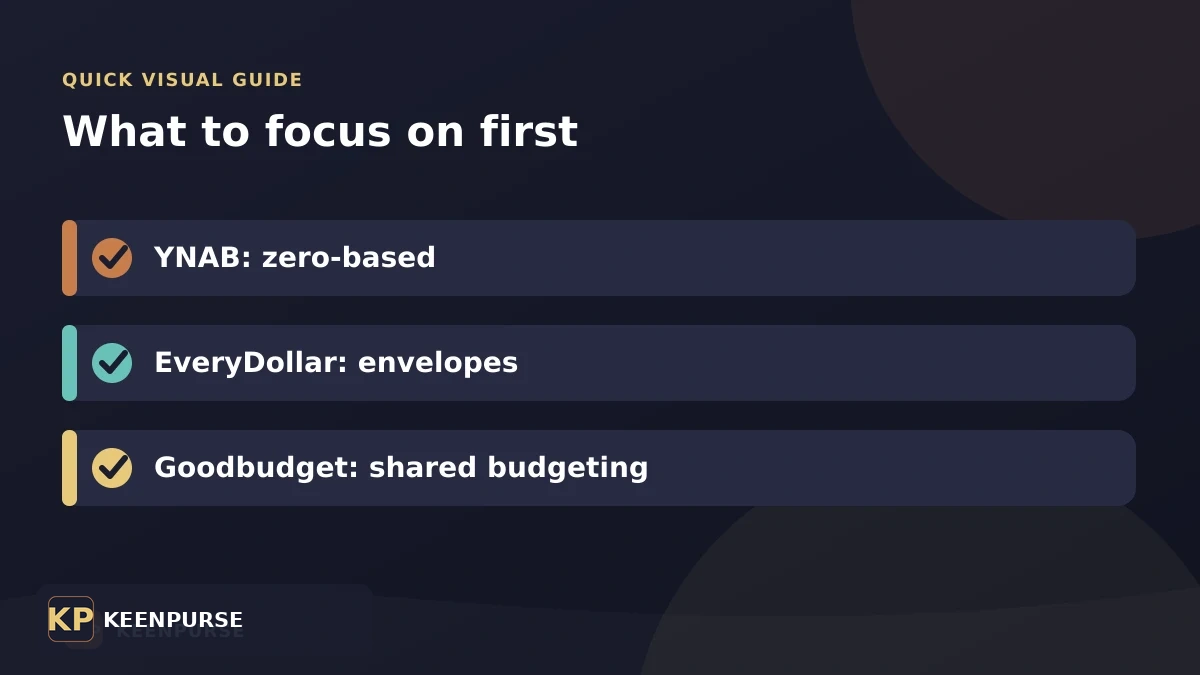
- YNAB uses zero-based budgeting — every dollar gets a job before you spend it
- EveryDollar follows Dave Ramsey’s envelope-style approach, simple and visual
- Goodbudget uses digital envelopes — great for couples who want shared visibility
- The best app is the one you’ll actually open every week, not the one with the most features
- Free trials exist for all three — test before committing to a subscription
What Makes a Budgeting App Worth Using
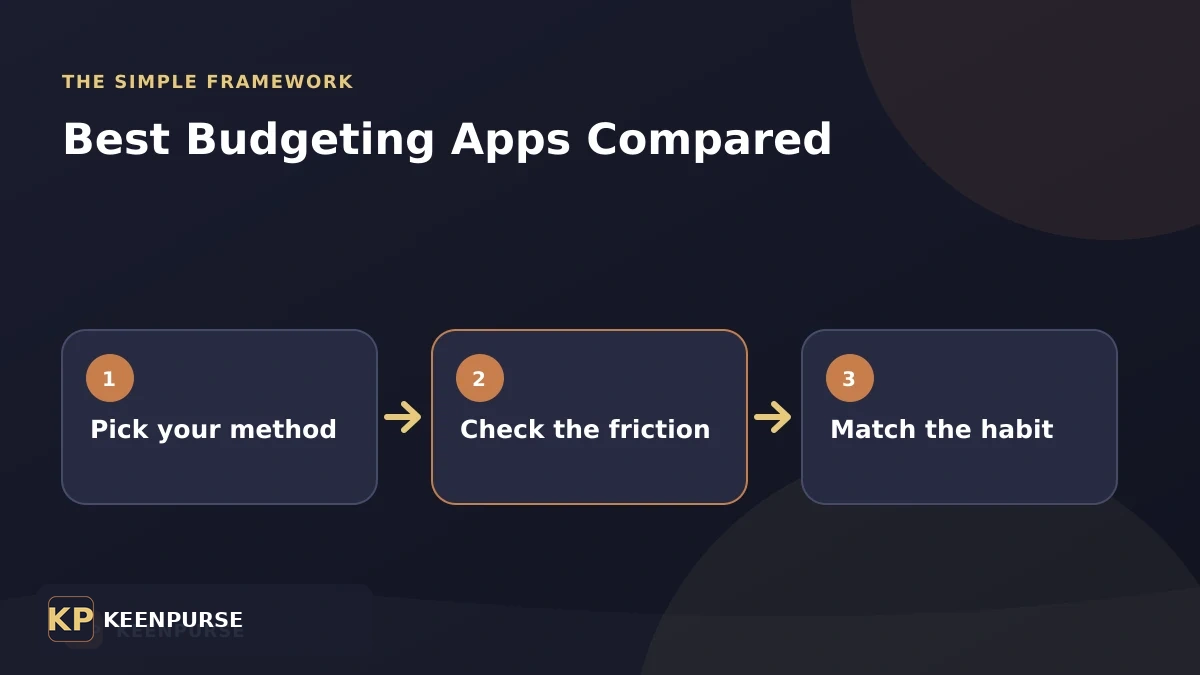
A budgeting app needs to do three things well: connect to your bank accounts, categorize spending automatically, and show you progress toward goals in real time. If it fails on any of these, you’ll revert to guessing — which is what got you here in the first place.
The second factor is philosophy. Each app encodes a specific budgeting method. Match the method to your personality, not the other way around. If you’re a detail-oriented planner, a zero-based system feels natural. If you want something light and visual, envelope budgeting is less intimidating.
YNAB: Zero-Based Budgeting for People Who Want Control
YNAB (You Need A Budget) runs on a simple rule: give every dollar a job before you spend it. When your paycheck hits, you assign those dollars to categories — rent, groceries, savings, debt — until the balance reaches zero. Not zero in your bank account; zero in your budget. Every dollar is accounted for.
This method forces intentionality. Instead of looking back at what you spent, you’re deciding ahead of time what each dollar does. For someone earning $4,000/month, that means consciously allocating all 4,000 dollars rather than hoping what’s left over is enough.
YNAB Pricing
| Plan | Cost | Features |
|---|---|---|
| Free Trial | 34 days | Full access, no card required |
| Annual | $109/year [VERIFY] | All features, bank sync, reports |
| Monthly | $14.99/month [VERIFY] | Same features, billed monthly |
YNAB’s cost is higher than competitors, but the company reports the average user saves $600 in the first month and $6,000 in the first year [VERIFY: YNAB’s own data, self-reported]. Whether those numbers hold for everyone is debatable, but the method itself works because it changes behavior, not just tracking.
Best For
People who want deep control, don’t mind a learning curve, and are committed to changing their financial habits. If you’ve tried casual budgeting and it didn’t stick, YNAB’s structured approach might be what you need.
EveryDollar: Dave Ramsey’s Visual Envelope System
EveryDollar is built around Dave Ramsey’s baby steps methodology. You create a monthly budget by dragging money into categories — think of it as digital envelopes. The interface is clean, visual, and approachable. You don’t need to understand accounting terms to use it.
EveryDollar Pricing
| Plan | Cost | Bank Sync |
|---|---|---|
| Free | $0 | Manual entry only |
| Premium (Ramsey+) | $129.99/year [VERIFY] | Auto bank sync + reports |
The free version requires manual transaction entry, which is either a feature or a drawback depending on your discipline. Manual entry makes you more conscious of spending — but it also means you might stop doing it after two weeks. Example: if you make 15 transactions per day, that’s 450 entries per month. Most people won’t sustain that.
Best For
People who follow Dave Ramsey’s methodology, want a visual and simple interface, and prefer a lighter approach than YNAB. The free version works if you’re disciplined; otherwise, Premium is necessary for automatic tracking.
Goodbudget: Shared Envelopes for Couples
Goodbudget takes the envelope system digital. You allocate income into virtual envelopes — groceries, transportation, entertainment — and track spending against each one. The key differentiator: it’s designed for shared use. Two people can sync the same budget across devices, making it a strong choice for couples managing money together.
Goodbudget Pricing
| Plan | Cost | Envelope Limit |
|---|---|---|
| Free | $0 | 20 envelopes, 2 devices |
| Plus | $8/month or $70/year [VERIFY] | Unlimited envelopes, 5 devices |
Goodbudget doesn’t connect to your bank — it’s manual entry by design. This keeps the app simple and avoids the privacy concerns of linking financial accounts. For a couple splitting a $3,000/month budget across 15 envelopes, the free version covers it. Upgrade only if you need more than 20 categories or more than 2 synced devices.
Best For
Couples who want shared budget visibility, people who prefer manual entry for accountability, and anyone who wants a free option that covers basic envelope budgeting.
Side-by-Side Comparison
| Feature | YNAB | EveryDollar | Goodbudget |
|---|---|---|---|
| Method | Zero-based | Envelope (Ramsey) | Digital envelopes |
| Bank Sync | Yes | Premium only | No (manual) |
| Free Version | 34-day trial | Yes (manual) | Yes (20 envelopes) |
| Annual Cost | $109 [VERIFY] | $129.99 [VERIFY] | $70 [VERIFY] |
| Couples/Shared | Yes | Limited | Built for it |
| Learning Curve | Steep | Gentle | Gentle |
| Reports | Detailed | Basic | Basic |
Which App Should You Pick?
There’s no universal winner — it depends on how you think about money:
- Pick YNAB if you want to change your financial behavior fundamentally and don’t mind investing time to learn the system. The zero-based method is powerful but requires commitment.
- Pick EveryDollar if you follow Dave Ramsey’s baby steps, want something visual and simple, and are okay paying for bank sync or doing manual entry.
- Pick Goodbudget if you’re budgeting as a couple, prefer manual entry for accountability, or want a genuinely free option without bank linking.
Action Steps You Can Take Today
- Sign up for all three free trials or free tiers this week. Use each one for 3–4 days with your real transactions. You’ll feel which interface clicks.
- List your top 5 spending categories before you start. Knowing where your money goes helps you evaluate whether an app’s structure fits your life.
- Commit to one app for 30 days after testing. Consistency beats perfection. The app you open daily is better than the one with more features you never use.
- Set a weekly budget check — Sunday evening, 10 minutes. Review what you spent, adjust categories, and plan the week ahead.
Budgeting apps range from $0 to $130/year. The real cost isn’t the subscription — it’s the months you spend not budgeting because you chose the wrong tool. Test all three, pick one, and start this week. Your future bank balance will notice the difference.
Put this into practice
Use a budgeting app that matches your actual habit
The best app is the one you will open every week. Pick the method first, then decide whether the price and features are worth it.
- List the jobs your money needs to cover before your next payday.
- Try one method for a full pay cycle instead of changing apps every few days.
- Review recurring charges before you pay for a premium plan.
For official consumer information, check CFPB consumer tools before making a financial decision.
Frequently asked questions
Should I pay for a budgeting app?
Pay only if the app makes a habit easier. A paid tool can be useful, but a spreadsheet or your bank app may be enough if you check it consistently.
How long should I test an app?
Give one approach at least one pay cycle. That lets you see how it handles bills, irregular spending, and the moments when you are most likely to overspend.