
TL;DR
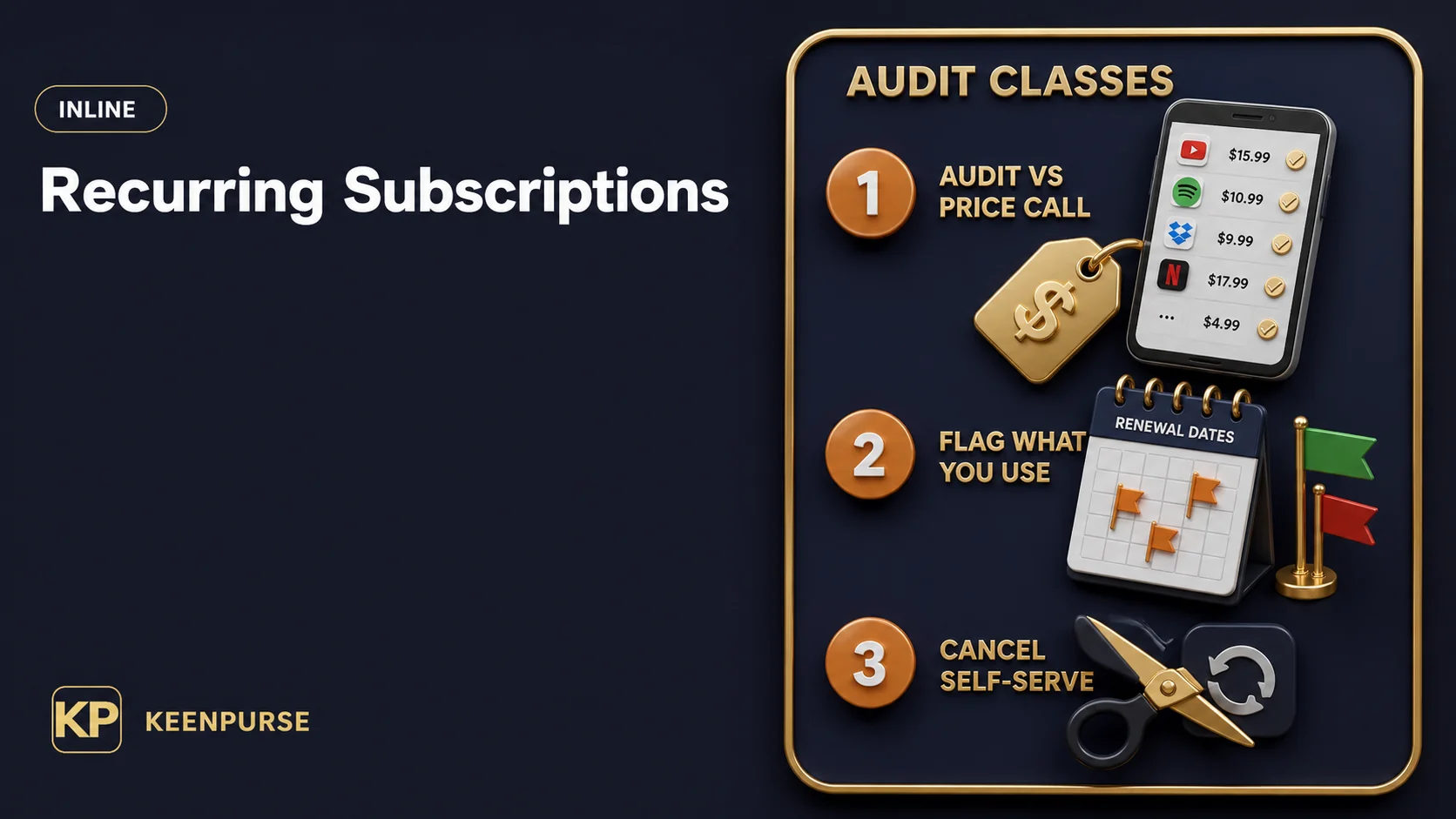
If you want to know how to cut subscriptions, treat it as an audit, not a call to a provider: find the recurring charges, flag what you no longer use, cancel from your own account settings, and set a review rhythm.
No step in this article promises a dollar amount or a guaranteed refund; the value is in the review itself. Most of the work happens on your own accounts, at your own pace, before any provider conversation is even necessary.
Key Takeaways
- A subscription cut is a review of your own accounts first; calling a phone, internet, or insurance provider to ask for a lower bill is a separate, price-focused skill covered elsewhere.
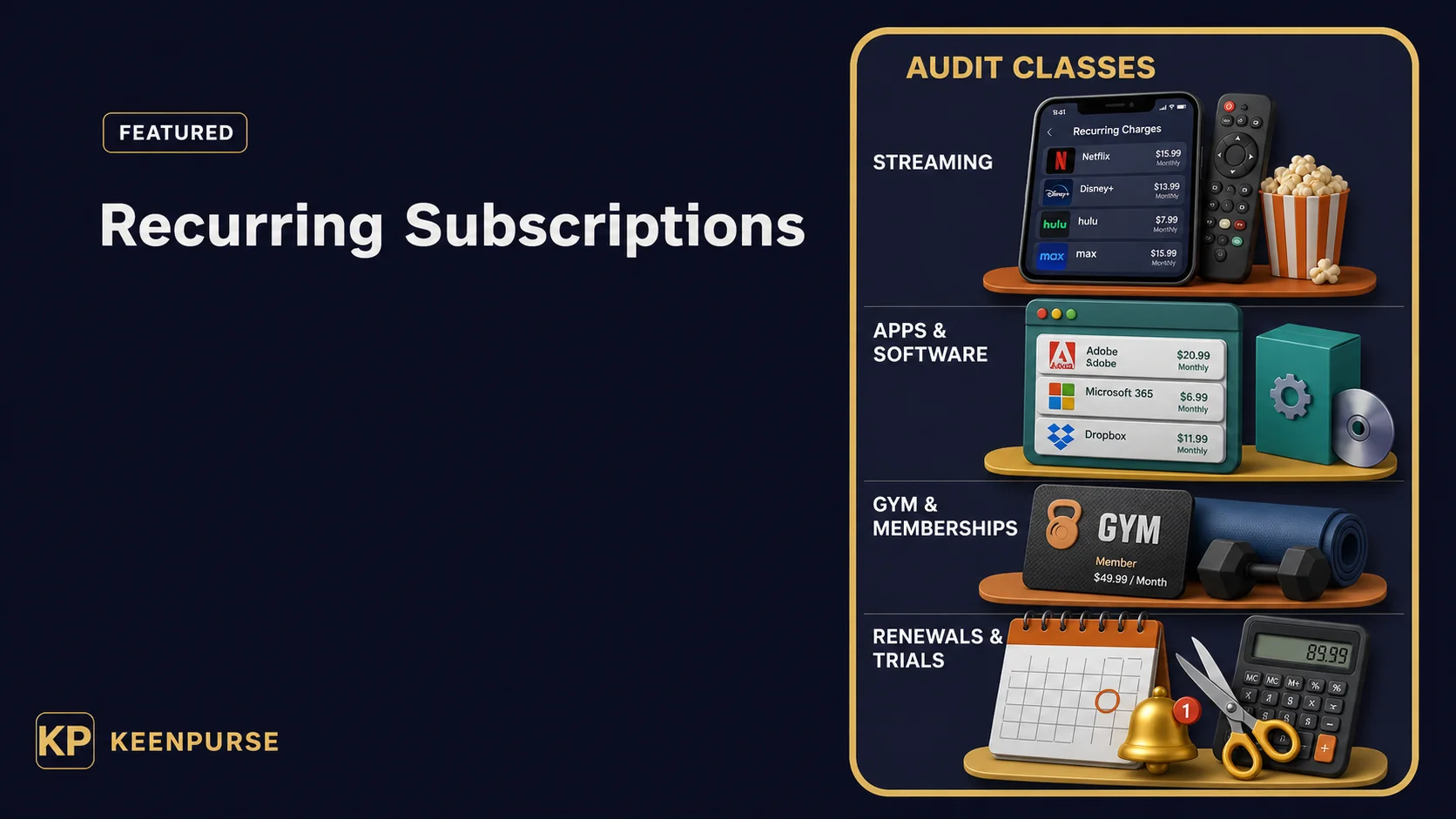
- Audit by charge class — streaming, apps and software, memberships, duplicate or forgotten renewals, free-trial rollovers, and annual renewals — so nothing hides in the pile.
- Cancel through the account settings of the service you are actually using; be wary of third-party cancellation services and “cancel for you” apps.
- Watch the small print around free trials and annual renewals: a trial that rolls into a paid plan, or an annual renewal that auto-turns, can be easier to miss than a monthly charge.
- Set a monthly review moment so the audit becomes a habit rather than a one-time purge, and link it into the rest of your money routine.
- No guide can promise a specific savings figure or a guaranteed cancellation or refund outcome; availability, billing, and refund rules vary by service and by market .
Start with a direct answer
The practical answer is to treat the task as an audit: list the subscriptions, sort them by charge class, mark which ones you still use, and turn off the ones you do not from your own account settings.
You rarely need to call anyone to find out what you pay or to stop most subscriptions; your own accounts, statements, and profile pages hold the detail you need. How to cut subscriptions starts with a list, not a single trick. How to cut subscriptions is a review you repeat, not a project you finish once.
A recurring charge is any charge that repeats on a schedule you agreed to — a monthly stream, a software renewal, a gym membership, or an annual plan. The exact wording, billing cadence, and cancellation path differ by service, platform, country, and payment method .
That is why the method here is a checklist you run on your own accounts rather than a one-size-fits-all number. Knowing what counts as a recurring charge is the base of how to cut subscriptions.
The subscription audit vs. calling a provider
A subscription audit and a provider price call are two different skills, and confusing them can blur both.
| What it is | What it asks | Where it happens | Boundary |
|---|---|---|---|
| Subscription audit | Which recurring charges do I still want? | Your own accounts, statements, and profile pages | This article |
| Negotiating a lower bill | Can I ask a phone, internet, or insurance provider to lower an existing service price? | A price conversation with a provider | how to negotiate lower bills |
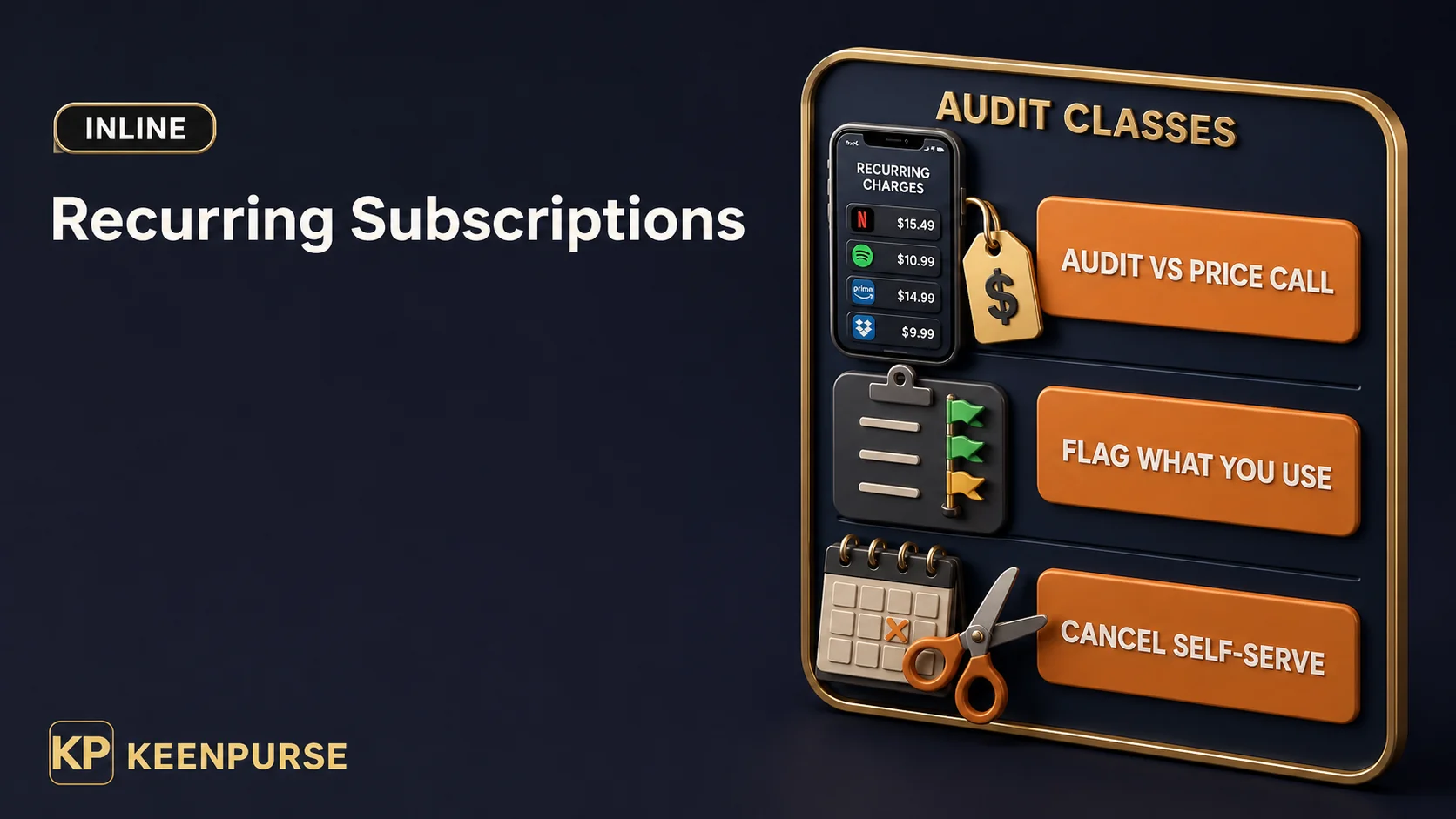
This article covers the audit and the self-serve cancellation of subscriptions. Negotiating phone, internet, or insurance bills is a different topic with its own steps, and it is covered in how to negotiate lower bills.
The boundary matters: an audit does not require a phone call, and a price negotiation does not require you to cancel anything. Keep them separate, and keep the audit in control of your own accounts. Keeping the audit separate from the price call is what makes how to cut subscriptions repeatable.
Audit checklist by recurring-charge class
The fastest way to get overwhelmed is to page through every subscription at once without a system. Grouping charges into classes makes the review repeatable.
This table is a starting grid: where to look, what to review, and how to cancel — always through self-serve account settings, never through a third-party cancellation service or “negotiate my bills” app. A class list is the engine of how to cut subscriptions done calmly.
| Recurring-charge class | Where to look | What to review | How to cancel (self-serve settings) |
|---|---|---|---|
| Streaming | Streaming app or account settings; payment history | Which plans you hold, who in the household uses them, duplicates across providers | Cancel from the account or profile settings of the service |
| Apps and software | App-store subscription page; software account or billing section | Which apps bill monthly vs. annually; unused licenses; upgrades you did not ask for | Turn off auto-renew or cancel from the account/app-store subscription settings ([Google Play]) |
| Gym and memberships | Gym or club member portal; contract or membership page | Pause vs. cancel rules; notice periods; annual contracts | Use the member portal or the club’s official channel per its own terms |
| Forgotten and duplicate renewals | Bank or card statements; a payment app’s automatic-charge list | Repeat charges you no longer recognize; two tools doing the same job | Cancel at each service’s own account settings; do not report a legit charge as fraud |
| Free-trial rollovers | The trial confirmation email; the billing or plans page | When the trial ends; payment method on file; renewal setting | Turn off auto-renew before the trial ends in the account settings, if offered |
| Annual renewals | Renewal reminder emails; account settings with a renewal date | Renewal date; whether auto-renew is on; whether you used it last cycle | Disable auto-renew in account settings before the renewal date; check the notice-period rules |
The columns are deliberately general: where to look, what to review, and how to cancel can vary by service, platform, and market. Fill in the blanks with your own accounts rather than assuming a universal rule.
Streaming: the first easy pass
Streaming is usually the most visible class because the charges are familiar and frequent. Start by listing every streaming account you hold — video, music, anything with a monthly or annual plan.
For each, note which plans you have, who uses them, and whether more than one service does effectively the same job. Streaming is usually the easiest class in how to cut subscriptions to start with.
Look for details that hide between plans: a higher tier you upgraded to once and never used, a second profile that still bills, a guest membership you added, or a bundle that re-priced silently.
None of this is a claim about any specific price — the point is to see the shape of what you hold. Hidden upgrades are exactly what how to cut subscriptions surfaces.
To cut anything, use the account settings of that service. Most streaming services let you change plans, pause, or cancel from your own profile page, and the self-serve path is documented in the service’s own help pages . If the setting is not obvious, the service’s official help or terms page is the right place to look — not a third-party tool that claims to cancel for you.
The FTC’s negative option rule explains how auto-renewals must be presented where it applies.
Apps and software: the category that multiplies quietly
App and software subscriptions are easy to forget because they are small, spread across app stores, browsers, and individual companies, and often billed in different places. A phone might bill one tool, a computer another, and a web app a third. App stores are a good place to begin how to cut subscriptions you forgot you had.
The review here is about duplicates and disuse: a design tool you bought for one project, a productivity app you stopped opening, a license on a device you no longer use, or two apps draining the same budget.
Check the subscription settings inside each app store and each software account; most services list active subscriptions and give you an auto-renew toggle or cancel path there ([Google Play]). Duplicates and disuse are the two easiest wins in how to cut subscriptions.
Two cautions apply. Cancel each service at its own official account settings, not through an aggregator that asks for your credentials. And billing arrangements differ: some apps charge through an app store, others bill direct, so the cancellation path is not always the same ([Google Play]). Avoiding aggregators is a caution that belongs in how to cut subscriptions.
Gym and memberships: read the contract before you jump
Gym and membership subscriptions behave differently from streaming because they often involve a contract, notice period, or pause option rather than a simple monthly toggle. A membership you use occasionally may offer a freeze; one you no longer use may still require a specific cancellation step. Contracts make gyms the trickiest part of how to cut subscriptions.
Start with the member portal or the paper or digital agreement you signed; note the renewal cadence, notice requirements, and whether pausing is available in your location. Then decide whether to pause, downgrade, or end the membership, and complete the step the club’s own terms describe.
Do not assume a gym cancels the same way a streaming service does. Availability of pause, downgrade, or online cancellation can vary by location, by club, and by contract type. If self-serve cancellation is not offered, the official club channel is the appropriate place to ask — again, not a third-party cancellation service.
Forgotten and duplicate renewals: find the repeat you no longer recognize
Some of the most useful finds are charges you no longer even recognize as a subscription: an old app renewal, a legacy plan, a service you signed up for years ago that still bills quietly.
Your bank or card statement, and the automatic-charge list inside a payment account, are the clearest places to look. The forgotten renewals are where how to cut subscriptions pays off most. The forgotten renewal is a classic target in how to cut subscriptions.
When you see a repeat charge you do not remember, the discipline is to check it before acting. Confirm the merchant name, the service it corresponds to, and whether you actually opened the account. If it is a real subscription you no longer want, cancel at that service’s own account settings.
If it is genuinely a charge you did not authorize — distinct from a forgotten subscription you did authorize — your card or bank’s official dispute process exists for that case; it is not a step to use on a charge you simply forgot. Duplicates also live here: two tools doing the same job, an old plan overlapping a new one, or an unused trial that became a paid plan.
Free-trial rollovers: catch the trial before it turns
A free-trial rollover happens when a trial period ends and the service begins charging on the payment method you provided. It is one of the most common ways a small monthly charge sneaks into a statement, which is why negative-option billing is a focus of consumer-protection rulemaking .
The audit point is timing: know when the trial ends, what happens at the end, and whether the account is set to auto-renew. The trial confirmation email usually states the end date and the renewal behavior, and the billing or plans page in the account may let you switch off auto-renew.
If you want the service after the trial, keep it; if you do not, the reliable move is to turn off the renewal before the end date in the account settings — not to rely on a reminder you were supposed to receive. Trial timing is one of the subtle parts of how to cut subscriptions. Trial timing sits at the heart of how to cut subscriptions safely.
Annual renewals: the biggest single line items
Annual subscriptions renew less often but land as one larger charge, which makes them easy to miss and easy to regret. A software license, club membership, or yearly service that renews automatically slips past a monthly review because it appears only once a year — the kind of recurring billing consumer-protection rules target .
For each annual renewal, note the renewal date and whether auto-renew is on, and decide whether you actually used the service over the last cycle. If you want to stop it, the account settings usually allow you to disable auto-renew in advance; some services require you to act before a certain notice date, and that timing can vary.
Because the charge is larger and less frequent, an annual item deserves an explicit line in your audit rather than a glance. Annual renewals are part of how to cut subscriptions that is easy to let slide. Decision discipline belongs in how to cut subscriptions every cycle.
Add the audit to your monthly reset
The most valuable habit is a rhythm, not a purge. Schedule a subscription review into a regular money moment so it becomes a standing check instead of an occasional panic charge hunt.
The monthly money reset checklist provides a place to slot the subscription review beside the rest of your account checks. A rhythm, not a purge, is how to cut subscriptions that lasts.
This article sits inside a broader saving-money toolkit. Where water fits your subscription or household-cost picture, the review of recurring water charges follows its own logic in how to save money on water — a subscription-style renewal is not the same as a metered or billed household utility, so keep the two separate.
And if the audit surfaces a phone, internet, or insurance bill you want to lower rather than cancel, that is the sibling skill in how to negotiate lower bills, not a subscription-cancellation step.
The monthly rhythm also keeps you honest about usage: set a reminder, spend ten minutes on the charge classes, and update the list when plans change. A review that happens every month is more useful than a perfect one that never repeats. A standing review is how to cut subscriptions that sticks.
Be cautious with “cut your bills by $800 a month” claims
> Myth boundary: A savings headline in a suggestion stream is not a promise that the result is likely, available, or appropriate for your accounts. No article here claims a specific saving. A savings headline is not a saving; how to cut subscriptions is about your own list.
A universal savings figure skips the facts that make a review meaningful: which services you hold, what you use, your billing cadence, and each platform’s cancellation and refund rules. It can also push readers to cancel things they want, or to trust a service that promises to “cancel your subscriptions for you.” A more reliable standard is modest and specific: list the charges, flag the ones you no longer want, and turn them off from your own account settings.
Whether that saves a little or a lot is a fact of your own accounts, not a claim any guide can make. Your own data turns how to cut subscriptions into a grounded habit.
Frequently Asked Questions
How do I find every subscription I am paying for?
Start with your bank and card statements and your payment account’s automatic-charge list, then check the subscription pages inside each app store and each service’s account settings ([Google Play]).
Group the results by charge class so nothing is missed. Your statements and auto-pay lists are the raw material in how to cut subscriptions. Statements are where how to cut subscriptions usually starts.
Can I cancel a subscription without calling anyone?
In many cases, yes: most services offer a self-serve cancellation or auto-renew setting in the account or profile page . The exact path varies by service, platform, and market, so check the service’s own help or terms page.
Are third-party “cancel my subscriptions” services safe to use?
This article recommends canceling from your own account settings and treating third-party cancellation tools cautiously, because they are not a substitute for the service’s own controls. Credentials and account access should stay with you. Your own account settings are the safe path in how to cut subscriptions.
What happens if I cancel right before a renewal date?
That can vary by service and by market, including notice periods and whether a current period still runs. Check the service’s own cancellation and refund rules before relying on a specific timing outcome.
Can a guide promise how much I will save by cutting subscriptions?
No. Savings depend on which charges you hold, what you use, and your own billing arrangements. Treat an “average savings” figure as a claim to inspect rather than a result you can count on. Confirming each platform rule is part of how to cut subscriptions done properly.
Do subscription rules work the same in every country?
No. Availability, billing cadence, cancellation, and refund rules differ by platform and by market . Confirm the relevant rule with the service’s official terms or help page for your location. Confirming each rule completes how to cut subscriptions without guesses.
Sources and further reading
- FTC — Negative Option Rule (US federal consumer-protection regulator; rule page, updated 2024; Federal Register notice dated 2026-03-13; accessed 2026-08-19): supports the recurring-payment / free-trial-rollover / auto-renewal “negative option” class claims and the statement that subscription billing and cancellation rules are set per jurisdiction. https://www.ftc.gov/legal-library/browse/rules/negative-option-rule
- Apple Support — “If you want to cancel a subscription from Apple” (published 2026-07-30; accessed 2026-08-19): supports that subscriptions billed through Apple can be canceled from your own Apple account/device settings. https://support.apple.com/en-us/HT202039
- Google Play Help — “Cancel, pause, or change a subscription on Google Play” (accessed 2026-08-19): supports that Android app subscriptions can be canceled or paused in your own Google Play account settings. https://support.google.com/googleplay/answer/7018481
- Spotify Support — “How to cancel Premium plans” (accessed 2026-08-19): supports that a streaming subscription can be canceled from your own account settings. https://support.spotify.com/us/article/cancel-premium/
- how to negotiate lower bills — boundary article for provider price conversations.
- monthly money reset checklist — a regular review moment.
- how to save money on water — where a water-related recurring review is in scope.